
Seedream 5.5: Cheaper But Better
Seedream 5.5 is the newest image model from ByteDance. Edits stay stable over 80+ rounds, transparent assets come out ready to use, images split into up to 100 layers, and small text renders reliably in many languages, at up to 4K. Generate AI images and videos right in your browser.
- Successor to Seedream 5.0 Pro
- 4K · RGBA · 100 layers
- Reliable multilingual text


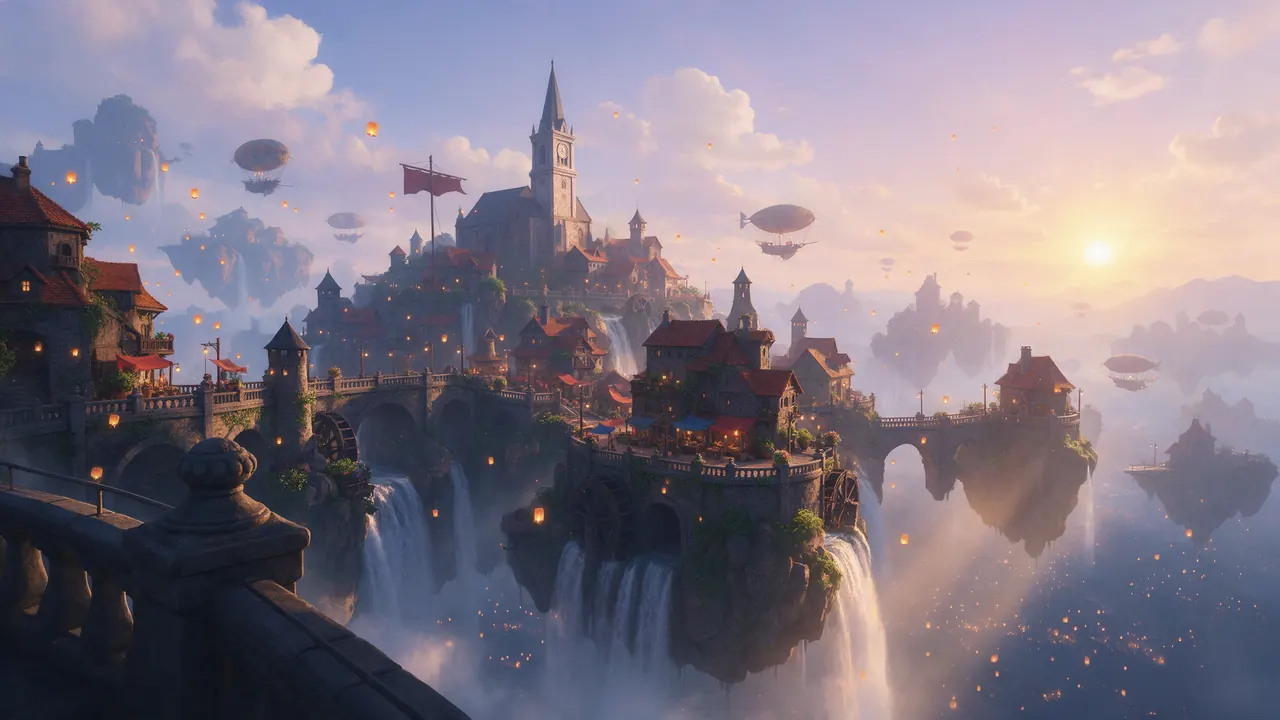

What Is Seedream 5.5?
Seedream 5.5 is the newest AI image model from ByteDance’s Seed team and the successor to Seedream 5.0 Pro. It focuses on the work after the first image: edits that stay clean over many rounds, transparent and layered output, and text that renders correctly in several languages.
It keeps the prompt workflow of Seedream 5.0 Pro, so prompts you already use carry over. Lumina by BytePlus is the first platform to offer it.
- Developer
- ByteDance Seed team
- Type
- Text-to-image and image editing model
- Replaces
- Seedream 5.0 Pro
- Release
- Late October 2026
- First platform
- Lumina by BytePlus
- Max resolution
- 4K at 16:9
FEATURES
Seedream 5.5 Features: 8 Upgrades Built for Production
Seedream 5.5 is less about a prettier first image and more about the work around it: rework, editing, finish quality and shipping to many markets.
01 · 80+ rounds
Stable multi-round editing
After many rounds of local edits, the parts you did not touch stay put, so you refine one image instead of starting over.
Use cases: E-commerce rework · Creative tools · Game assets
02 · RGBA
Transparent output
Transparent and semi-transparent assets come out ready to use, cutting the background-removal and compositing steps.
Use cases: Design assets · Stickers · White-background product shots
03 · 100 layers
Layer splitting
Elements can be exported as separate layers, which makes templates, remixes and motion reuse easier.
Use cases: Ad posters · Slides · Motion templates
04 · Structured
Text recognition
Clean text in an image is recognised with its font, colour and style, so it can be changed without redrawing the picture.
Use cases: Localised copy · Template reuse · Versioned assets
05 · 4K
High-resolution output
4K at 16:9, with less upscaling and cropping before an image goes live.
Use cases: Banners · Large screens · Print
06 · Realism
Better texture and light
Products and people look more real, with better lighting and cleaner multi-image blending, so there is less retouching.
Use cases: Product shots · Portraits · Game art
07 · Poster-grade
Layout and design sense
Overall composition and typography look more polished, which means fewer rounds of re-layout and visual fixes.
Use cases: Brand posters · Product pages · Campaign visuals
08 · Multilingual
Reliable small text
Small Chinese and English text, and text in other languages, renders more accurately, so localisation needs less proofreading.
Use cases: Cross-border e-commerce · Overseas ads · Multilingual assets
Changing recognised text still needs a downstream tool to re-render it.
SAMPLES
What Seedream Can Make Today
Images for the jobs Seedream 5.5 is built around: product shots, posters, localised campaigns, portraits and design assets. These samples were made with Seedream 5.0 Pro.

Bilingual event poster
English and Chinese type, small date and venue lines
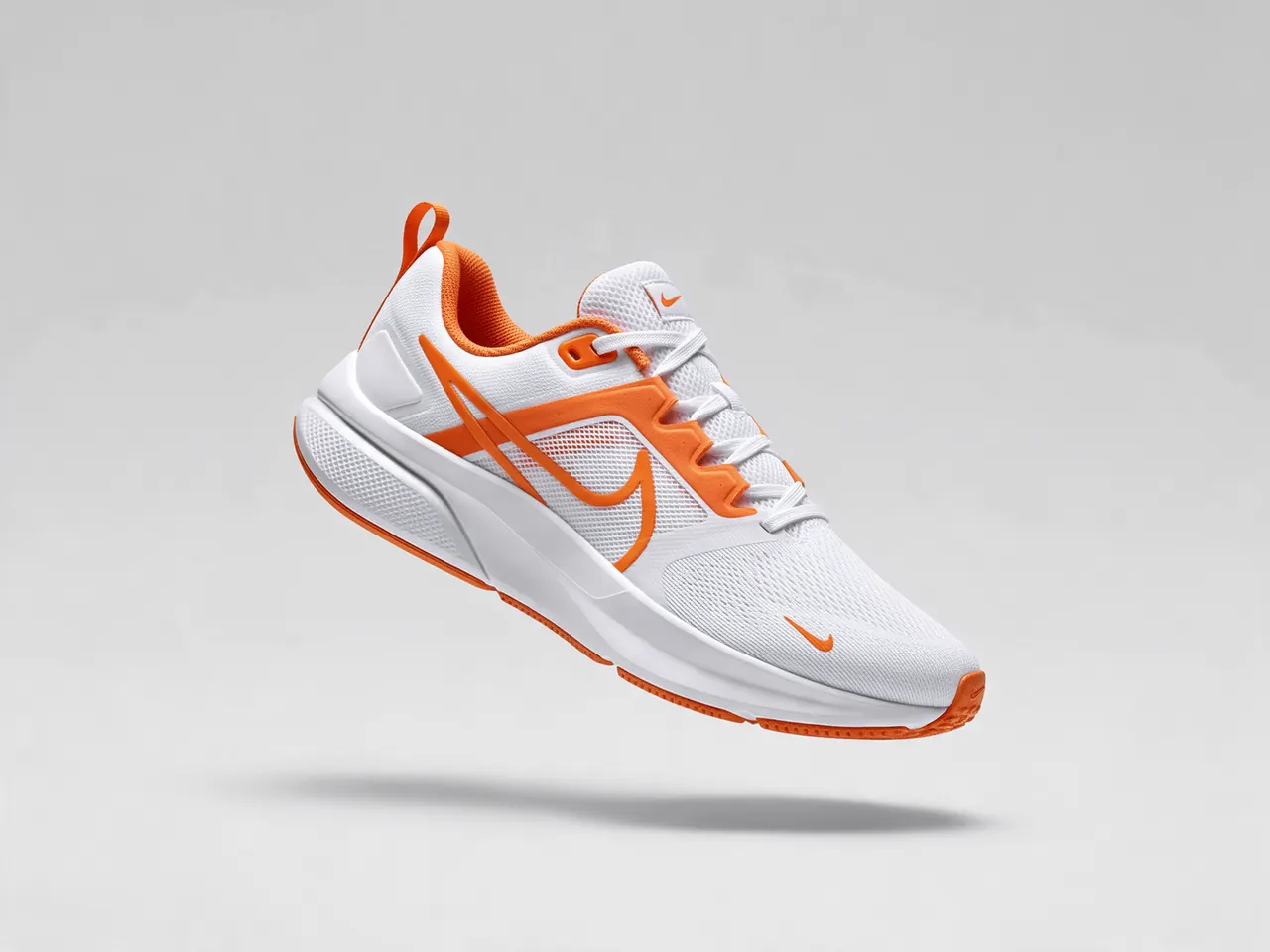
E-commerce product shot
Clean studio background, crisp material detail

Sticker sheet
Die-cut design assets on white
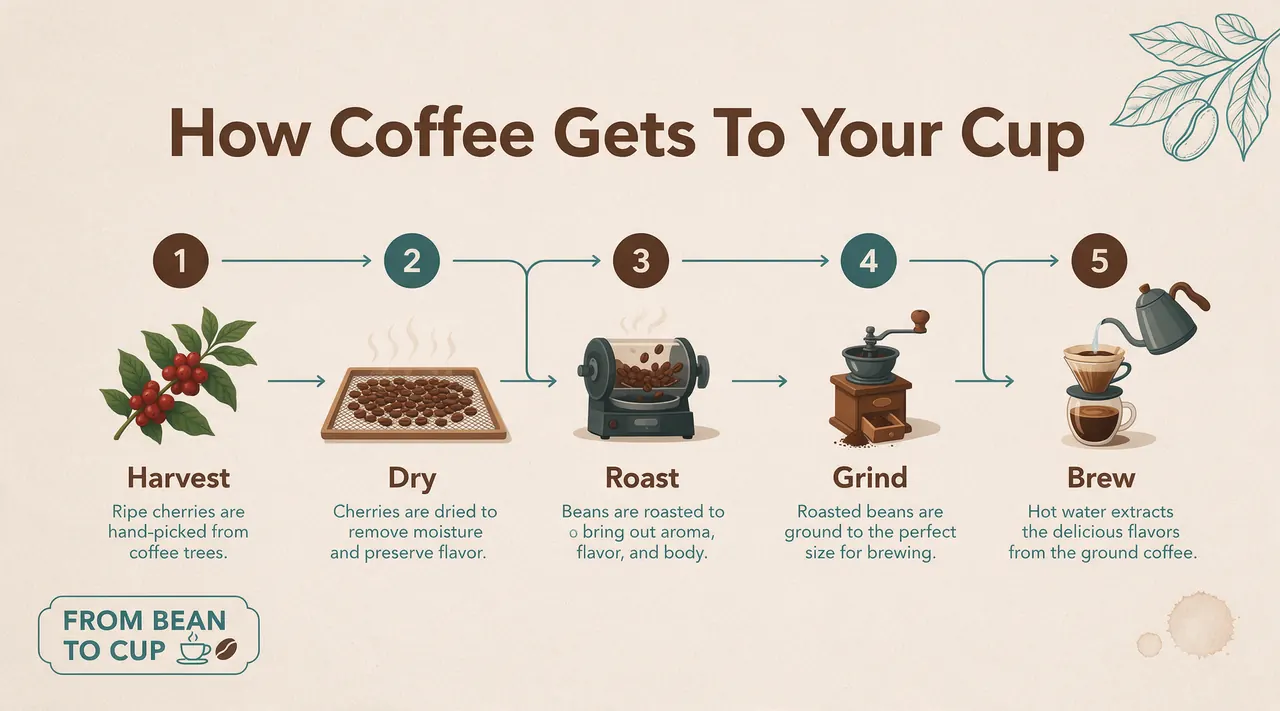
Slide infographic
Five steps with readable captions
Localised sale poster
English, Chinese, Japanese and Thai on one layout
Window-light portrait
Natural skin texture and soft daylight
COMPARISON
Seedream 5.5 vs Seedream 5.0 Pro
Seedream 5.5 keeps the prompt-driven workflow of 5.0 Pro, so your prompts carry over. What changes is how much cleanup is left after generation.
| Seedream 5.5 | Seedream 5.0 Pro | |
|---|---|---|
| Long editing sessions | Untouched areas stay stable over 80+ rounds | Quality can slip after a few rounds of edits |
| Transparency | Native RGBA, transparent and semi-transparent | Flat output; background removal is a separate step |
| Layers | Splits an image into up to 100 layers | Single flat image |
| Text in images | More accurate small text in many languages; text can be recognised for re-rendering | More visible errors in small and non-Latin text |
| Resolution | 4K at 16:9 | Depends on the platform you use |
| Prompt style | Same structure as 5.0 Pro | Structured prompts |
Based on ByteDance’s published Seedream 5.5 material.
RELEASE DATE
Seedream 5.5 Release Date and Version History
Seedream 5.5 arrives in late October 2026, with Lumina by BytePlus as its first platform. It is the fifth major Seedream release in just over a year.
September 2025
Seedream 4.0
Generation and editing in one model
December 2025
Seedream 4.5
Sharper detail and stronger consistency
February 2026
Seedream 5.0 Lite
Adds reasoning and web search
July 2026
Seedream 5.0 Pro
Layout-focused flagship
Late October 2026
Seedream 5.5
Editing, transparency, layers, text
TRY IT NOW
Seedream 5.5 AI Image and Video Generator
Create images and videos in your browser: write a prompt, pick a model and generate. No install, and new accounts start with free credits.
AI Image Generator
Text to image and image editing for product shots, posters, portraits and design assets.
Models available now: Nano Banana 2, Nano Banana Pro, GPT Image 2
Open the image generatorAI Video Generator
Turn a prompt or a still image into a short video clip, with audio on supported models.
Models available now: Seedance 2 Mini, H3 Max, H3 Max Turbo, Story Agent 2.0
Open the video generatorHow to Use the Generator
- 1
Describe it
Write what you want to see: subject, setting, light and any text that should appear.
- 2
Pick a model and size
Choose a model, aspect ratio and resolution. The credit cost shows before you start.
- 3
Generate and download
Results land in your history. Failed jobs refund their credits automatically.
FAQs
Seedream 5.5 FAQ
What is Seedream 5.5?
Seedream 5.5 is the newest AI image model from ByteDance’s Seed team and the successor to Seedream 5.0 Pro. It focuses on stable multi-round editing, native transparent (RGBA) output, layer splitting, 4K output and more accurate multilingual text.
When is the Seedream 5.5 release date?
Seedream 5.5 is released in late October 2026, with Lumina by BytePlus as the first platform to offer it. It follows Seedream 5.0 Pro, which came out in July 2026.
Is Seedream 5.5 free?
You can start for free on Seedream55: new accounts get free credits on signup, no card required, to spend on the image and video models in the generator.
Where can I use Seedream 5.5?
Lumina by BytePlus is the first platform to offer Seedream 5.5. On Seedream55 you will find it in the image generator’s model picker, next to Nano Banana and GPT Image.
How is Seedream 5.5 different from Seedream 5.0 Pro?
Seedream 5.5 keeps the same prompt workflow but is designed to cut cleanup: edits that stay stable over 80+ rounds, transparent output instead of manual cutouts, up to 100 layers, 4K at 16:9, and more reliable small text in Chinese, English and other languages.
Can Seedream 5.5 create transparent PNGs?
Yes. Native RGBA output, including fully and partly transparent areas, is one of its headline upgrades, so products, stickers and overlays come out ready to composite without a separate background-removal step.
Can Seedream 5.5 render text in different languages?
Yes, that is one of its main upgrades: more accurate small text in Chinese, English and other languages, plus structured text recognition that keeps font, colour and style so text can be changed by a downstream tool.
Start Creating with Seedream 5.5
Create a free account, generate your first images and videos, and keep every prompt and result in one workspace.